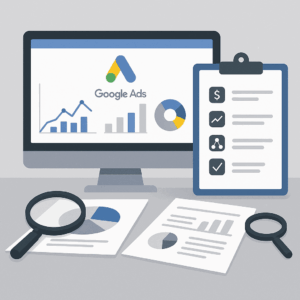
We Fix the Conversion Tracking That's Costing Your Agency Clients
Pravrdh handles the full technical setup — Google Ads, Facebook, enhanced conversions, server-side — so your agency can prove ROI with confidence. All work is white-labeled and delivered under your brand.

$10M +
In monthly ad
spend managed

15 +
Years
In paid media

100 +
of Ad
accounts configured

100 %
White-labeled
your clients never know we exist
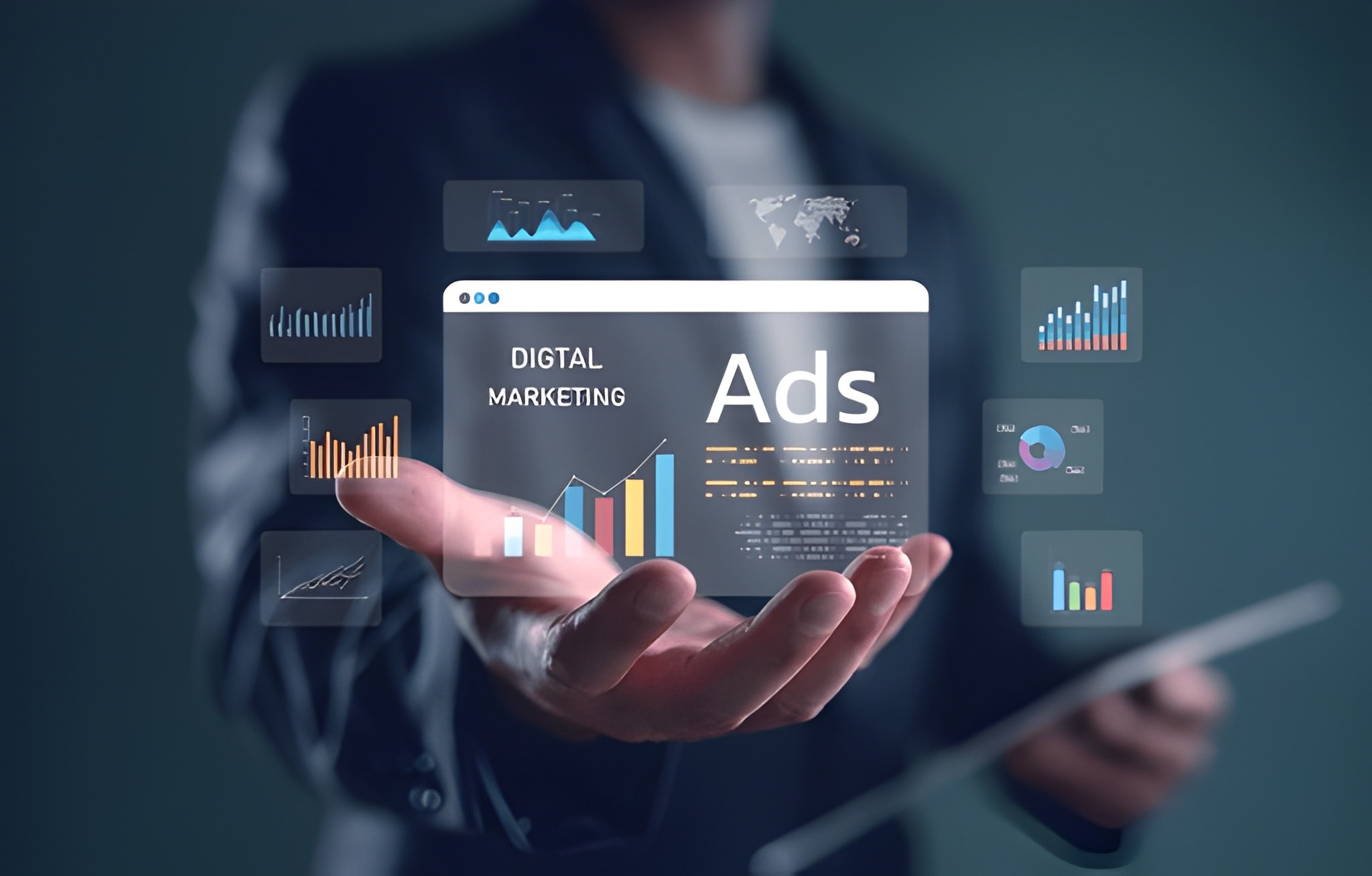
Why Agencies and Firms Outsource Meta Ads Management
The Gap Between Ad Clicks and Provable Results Is Costing You Clients. Your campaigns are running. Traffic is flowing. But when a client asks, “How many leads did we actually get?” — you’re staring at numbers you don’t fully trust. That gap almost always comes down to one thing: broken or incomplete conversion tracking.
When your tracking is off, everything downstream suffers:
Smart Bidding gets bad inputs.
Google optimizes toward the wrong audience, and your cost-per-lead quietly climbs.
You can't cut what isn't working.
Without clean data, every budget decision is a guess.
Reporting becomes defensible.
Clients who can't see clear ROI don't renew — they leave.
Wasted spend adds up.
Misconfigured accounts waste an average of 20–30% of their ad budget on non-converting traffic.
Fixing this isn’t just about measurement. It’s about giving your campaigns the accurate signals they need to actually perform.
Built for Agencies, Not Brands
If you’re managing ads for someone else and you need the tracking done right — under your brand — this is for you.
Pravrdh works exclusively with agencies and teams managing paid media for clients:
PPC agencies
that need a reliable white-label partner for the technical tracking work — so you can focus on strategy, not tag debugging
SEO and digital marketing agencies
that want to expand into paid media without hiring a dedicated tracking specialist
Web development agencies
whose clients ask for conversion tracking as part of a website build
In-house marketing teams
at mid-size companies running campaigns across multiple platforms without dedicated analytics support
What We Set Up — and How We Do It
Every engagement starts with an audit of your current tracking. Then we build a measurement framework that captures every meaningful conversion — from the first click to the final sale.
We handle the full setup:
- Create and configure all conversion actions (form submissions, calls, purchases, custom events)
- Install the Google Tag or deploy through Google Tag Manager
- Set accurate conversion windows and attribution models based on your client’s sales cycle
- Assign conversion values so Target ROAS has something real to optimize toward
- Verify every tag fires correctly before a single dollar goes live.
Accounts using dedicated Google Ads tracking — not just GA4 imports — typically see 10–20% better conversion accuracy. That’s the difference between Smart Bidding that works and Smart Bidding that wastes budget.
Enhanced Conversions for Google Ads
Standard pixel tracking misses 15–30% of conversions due to ad blockers, iOS restrictions, and cookie limits. Enhanced conversions close that gap.
We capture hashed first-party data (email, phone) from conversion events and send it to Google in a privacy-compliant way — matching conversions that standard tracking can no longer reach. We implement this through Google Tag Manager for most setups, or through the Google Ads API for clients with custom CRMs.
Facebook and Meta Ads Conversion Setup
Meta’s algorithm needs clean conversion signals to find buyers. Without them, your client’s cost-per-lead creeps up and delivery quality drops.
We handle the complete Meta setup:
- Install or audit the Meta Pixel across all pages
- Set up the Conversions API (CAPI) for server-side tracking alongside the pixel
- Build Facebook custom conversions matched to your client's specific goals
- Configure event priorities and aggregated event measurement for iOS 14+ compliance
- Set up event deduplication to prevent inflated conversion counts
We also build micro-conversion tracking for retargeting — price page views, cart adds, checkout initiations — giving the algorithm richer signals and your team better audience data.
Cross-Platform and Multi-Touch Tracking
When clients run Google, Facebook, Microsoft, and LinkedIn simultaneously, each platform counts conversions differently. The result: inflated numbers, confused clients, and impossible-to-trust reporting.
We build a unified measurement framework across all platforms — consistent UTMs, GA4 as your central hub, and aligned conversion definitions so a “lead” means the same thing everywhere.
COMPARISON TABLE
Our Meta ads management services cover all placements within the Meta family of apps and technologies:
| Platform | Primary Method | Enhanced/Server-Side | Key Conversions |
| Google Ads | Google Tag / GTM | Enhanced Conversions | Leads, Purchases, Calls |
| Facebook / Meta | Meta Pixel | Conversions API (CAPI) | Leads, Purchases, Custom Events |
| Microsoft Ads | UET Tag | Enhanced Conversions | Leads, Sales, Calls |
| LinkedIn Ads | Insight Tag | Conversions API | Lead Gen, Downloads |
| Google Analytics | Google Tag / GTM | Measurement Protocol | All Cross-Platform Events |
Our Process
Step 1
Discovery and Audit (Day 1)
We review your client's full tracking setup — every tag, pixel, and conversion action across all active platforms. We document what's broken, what's missing, and what's double-counting.
Step 2
Conversion Strategy (Day 1–2)
We map a clear conversion hierarchy with your team: primary conversions that feed bidding algorithms, and secondary signals that inform optimization. You know what we're building before we touch anything.
Step 3
Implementation (Day 2–5)
We install and configure everything through your client's own accounts. Tags through GTM, Conversions API on the server side, enhanced conversions for Google Ads, offline conversion imports if needed. Nothing runs through third-party systems.
Step 4
Testing and Validation (Day 5–6)
Every tag gets tested in real time — Google Tag Assistant, Meta Pixel Helper, manual QA. You receive a detailed testing report. We don't sign off until everything works.
Step 5
Documentation and Handoff (Day 6–7)
You get complete documentation: tag configurations, conversion action IDs, troubleshooting guides, and a summary you can share with clients or junior team members. If something changes six months later, you'll know exactly where to look.
The Tracking Mistakes We Fix Every Week
After auditing hundreds of ad accounts, the same problems come up repeatedly. If any of these sound familiar, you’re not alone — and they’re all fixable.
Pravrdh works exclusively with agencies and teams managing paid media for clients:
Duplicate conversion counting.
The same action fires multiple times per user, or identical conversions exist in both Google Ads and an imported GA4 goal. Your numbers look great, but Smart Bidding is learning the wrong lesson.
Missing conversion values.
Running eCommerce campaigns without passing dynamic transaction values back to Google? The platform can't tell a $20 sale from a $2,000 sale. Your ROAS reporting is meaningless.
Wrong conversion window
Google Ads defaults to 30 days. If your client sells enterprise software with a 90-day sales cycle, you're missing most of the attributable conversions.
No server-side backup
Browser-only pixels miss 15–30% of conversions. Without CAPI or enhanced conversions, you're showing clients an incomplete picture — and bidding on incomplete signals.
GA4 as the only conversion source in Google Ads.
GA4 and Google Ads use different attribution models. Importing GA4 goals into Google Ads causes data discrepancies that confuse Smart Bidding. Use native Google Ads tracking as your primary source
Agencies Trust Pravrdh to Get It Right
Frequently Asked Questions
Is everything truly white-labeled?
Yes. All work is done under your brand. All documentation, deliverables, and communication carry your agency's branding. Your clients never see our name. All tracking assets remain in your clients' accounts — not ours.
How long does setup take?
Single-platform setups (Google Ads only) typically take 2–3 business days. Multi-platform setups including Google Ads, Facebook, GA4, and enhanced conversions take 5–7 business days. Complex implementations involving custom CRMs or server-side tracking may take up to 2 weeks. We always prioritize accuracy over speed.
Can you set up tracking without direct website access?
In most cases, yes. If GTM is installed, we can deploy everything through the container without needing direct site access. Server-side implementations like CAPI may require limited server coordination with your client's dev team. We work within whatever access is available.
What's the difference between standard and enhanced conversions?
Standard tracking uses browser cookies. Enhanced conversions add a privacy-compliant layer of first-party data (hashed email or phone number from a form submission) that Google matches to ad interactions even when cookies fail. They work together — enhanced fills the gaps that standard tracking can no longer reach.
Do you offer ongoing support after implementation?
Yes. Platforms change, websites get rebuilt, and tags break. We provide ongoing monitoring, troubleshooting, and support to keep tracking healthy as your clients' tech stacks evolve.
How do I know if my current tracking is working correctly?
Common warning signs: conversion counts that seem unusually high or low, Smart Bidding campaigns that aren't hitting targets despite healthy budgets, discrepancies between platform data and your analytics tool, or no conversion data showing up at all. If any of these sound familiar, start with a free audit.
Ready to Know Exactly Which Campaigns Are Working?
Stop reporting guesses. Start proving results.
We’ll walk through your current tracking setup, identify every gap, and outline exactly what it takes to get every conversion counted — all in a free 30-minute strategy call.